An empty exam chair is lost revenue you cannot get back. No-shows and last-minute cancellations quietly drain optical practices every week — and most of them are preventable. This is a vendor-neutral guide to optical appointment scheduling: online booking, automated reminders, and the small process changes that keep your diary full.
What no-shows really cost an optical practice
Every missed appointment is an exam slot that earns nothing and often can not be refilled at short notice — plus the dispensing sale that exam might have led to. A handful of no-shows a week adds up to real money over a year. Reducing them is one of the cheapest ways to lift practice revenue, because the demand is already there; you are simply capturing more of it.
Online and self-service eye-exam booking
Letting patients book their own eye exams online — at any hour, from their phone — captures appointments you would otherwise miss when the shop is closed or the phone is busy. Self-service booking also cuts the admin load on your front desk. The booking should flow straight into the same diary your staff use, so there is never a double-booking.
Automated reminders that actually reduce no-shows
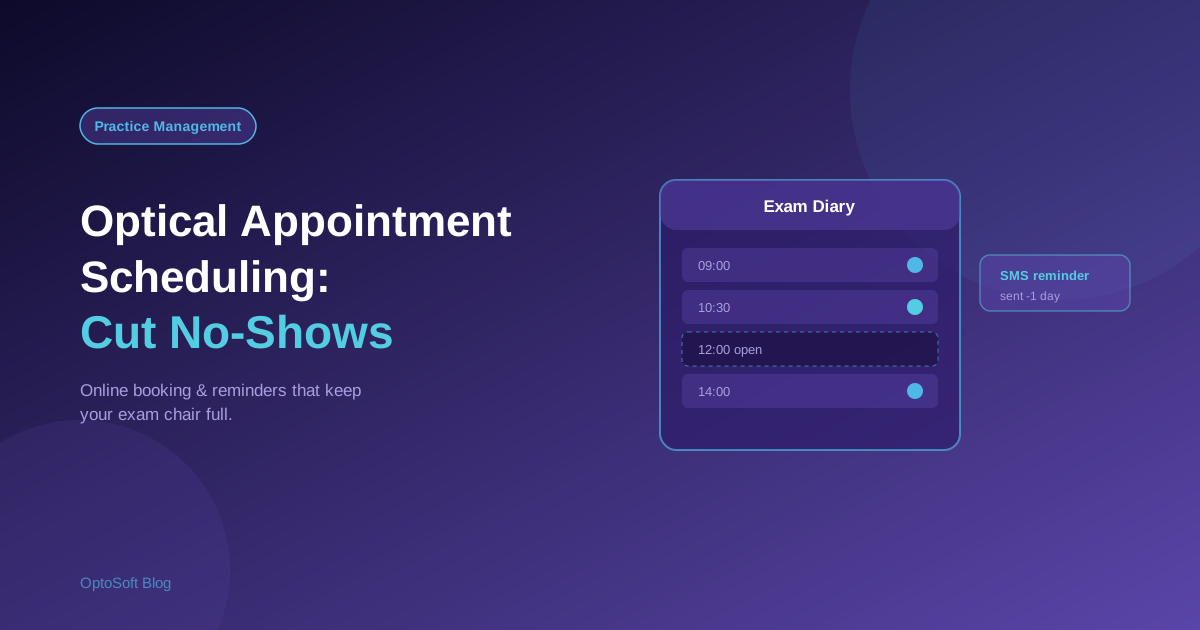
The most effective anti-no-show tool is a timely reminder. A confirmation when the appointment is booked, then a reminder a day or two before — by SMS or email — gives patients a chance to attend, reschedule, or free the slot for someone else. Because reminders are automated, they go out consistently without anyone remembering to send them.
Managing the exam diary
A good scheduling system handles the realities of an optical practice: multiple optometrists, more than one testing room, exam types of different lengths, and walk-ins alongside booked slots. Seeing the whole diary at a glance lets you fill gaps, balance the load, and avoid the double-bookings that frustrate patients.
Linking appointments to patient records and recalls
Scheduling is far more powerful when it is connected to your patient records. The optometrist sees the patient's history before the exam, the visit updates the record, and the system knows when the next recall is due — closing the loop between the exam today and the reminder that brings them back. Digital records make this seamless; see digital patient records in optical practices.
Reducing last-minute cancellations
Beyond reminders, a few habits help: ask for a contact number and confirm it, make rescheduling easy (an easy reschedule beats a no-show), and keep a short waitlist so a freed slot can be offered to someone waiting. Small frictions removed add up to a fuller diary.
How OptoSoft handles scheduling and reminders
OptoSoft includes appointment scheduling tied to the same patient records and recalls as the rest of the system, so bookings, reminders and exam history live together rather than in a separate calendar. That means the reminder knows who the patient is, the exam updates their record, and the next recall is set automatically. See it in the optometry practice management tools.
Frequently asked questions
How can opticians reduce no-shows?
The most effective steps are automated reminders (a confirmation at booking and a reminder a day or two before), easy rescheduling, confirmed contact details, and a short waitlist to refill freed slots. Consistent reminders are the single biggest factor.
What is optical appointment software?
Optical appointment software manages eye-exam bookings and the practice diary — online self-booking, multiple optometrists and rooms, and automated reminders — ideally linked to patient records so scheduling and recalls work together.
Can patients book eye exams online?
Yes. Many optical systems offer online self-service booking so patients can schedule an eye exam from their phone at any time, with the booking flowing straight into the practice diary to avoid double-bookings.
Do appointment reminders reduce no-shows?
Timely reminders help by giving patients a chance to attend or reschedule, and by freeing slots that would otherwise be wasted. A booking confirmation plus a reminder shortly before the appointment is the common, effective pattern.
Want a fuller diary? See scheduling in OptoSoft or start on the free plan.