If you run a small optical shop, paying enterprise prices for software is hard to justify on day one. The good news: you can start for free and still get the essentials. The catch: "free" means different things, and some free options cost you later in lost data or wasted time. This guide explains the real free options for optical software in 2026 and how to choose well.
The three kinds of "free"
- Free plan — a permanently free tier of a paid product, with core features and some limits (users, stores, or volume). You can stay on it as long as it fits, and upgrade when you grow.
- Free trial — full features for a short period, then you must pay. Good for testing, not a long-term plan.
- Spreadsheets / generic free tools — free but not built for optics: no prescription linking, no frame/lens stock logic, no GST-ready billing. Fine to start, painful to scale.
What a good free optical plan should include
Even free, a small shop needs the basics to run a sale end to end:
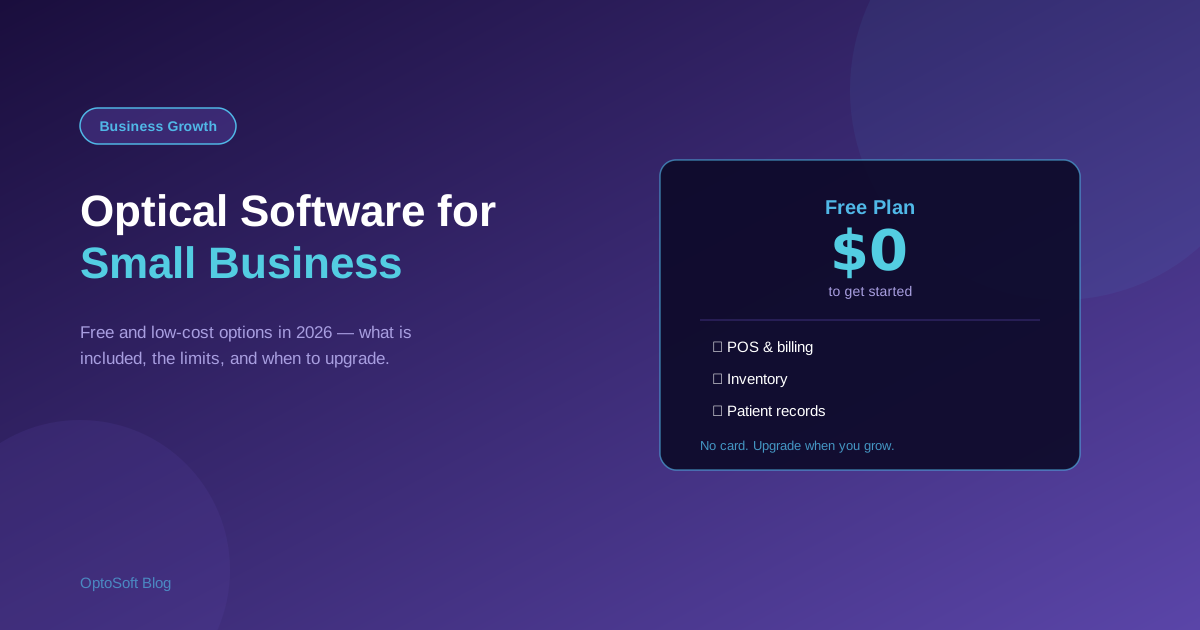
- POS and billing linked to prescriptions
- Inventory for frames, lenses and contact lenses
- Patient and prescription records for reorders and recall
- Cloud access with automatic backups (your data is safe and portable)
Limits to watch on free tiers
Free plans pay for themselves by capping something. Before committing, check the limits that matter to you: number of users or stores, monthly invoices or patients, report access, and — most importantly — whether you can export your own data. A free plan you cannot leave is not really free.
When to upgrade from free
Move to a paid tier when the limits start costing you money: you add staff who need their own logins, open a second store, need deeper reporting, or hit a volume cap during busy periods. The right moment is when the upgrade clearly pays for itself in time saved or sales captured.
How OptoSoft fits
OptoSoft has a free plan that covers POS, inventory and patient records, runs entirely in the browser with automatic backups, and lets you upgrade as you grow — no need to migrate to a different system later. It is built for optics, so billing links to prescriptions and stock understands frames and lenses from day one. See pricing and the free plan or the full optical shop management system. Not sure what to look for? Read how to choose optical software.
Frequently asked questions
Is there free optical shop software?
Yes. Some optical platforms (including OptoSoft) offer a permanently free plan with core POS, inventory and patient features. Spreadsheets are also free but are not built for optical workflows like prescription linking or frame/lens stock.
What is included in a free optical software plan?
A good free plan covers the essentials to run a sale: POS and billing linked to prescriptions, inventory for frames and lenses, patient and prescription records, and cloud access with backups. Limits usually apply to users, stores or volume.
Is free optical software safe for a real shop?
It can be, if it is cloud-based with automatic backups and lets you export your own data. Avoid tools that lock your data in, since being able to leave is what keeps a free plan genuinely free.
What is the difference between a free plan and a free trial?
A free plan is permanently free with some limits; a free trial gives full features for a short time and then requires payment. For a small shop starting out, a free plan is usually the better long-term option.
Starting small? Begin on the OptoSoft free plan or see the full system.