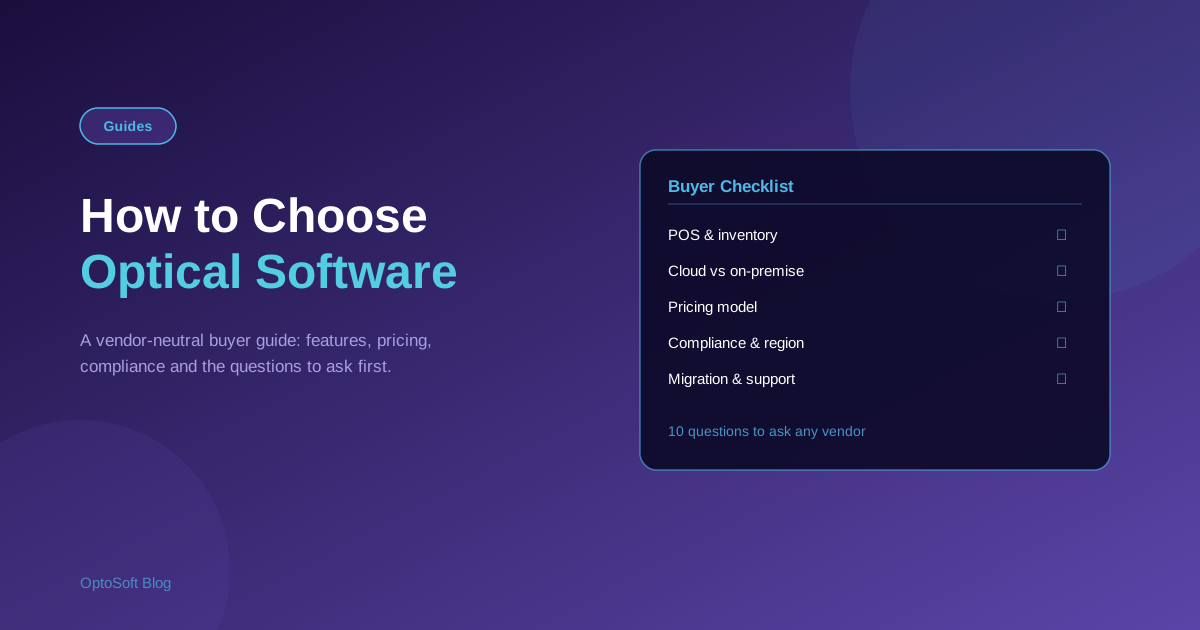
The right optical software runs your whole shop — sales, stock, prescriptions and patients — so the choice matters. The wrong one creates daily friction and costly migrations later. This is a vendor-neutral guide to choosing optical software, with a feature checklist and the exact questions to ask before you commit.
Start with your workflow, not the feature list
Before comparing products, map how your shop actually works: how a customer goes from eye test to frame selection to billing to collection, and what your staff touch at each step. The best software is the one that fits that flow with the fewest clicks — not the one with the longest feature list.
Must-have features checklist
- Point of sale & billing — fast, optical-aware invoices linked to prescriptions.
- Inventory — frame, lens and contact-lens stock with reorder alerts.
- Prescription & patient records — full history, easy reorders, recall reminders.
- Reporting — sales, stock and tax reports you will actually use.
- Multi-store — if you have, or plan, more than one branch.
- Roles & permissions — control what each staff member can see and do.
Cloud vs. on-premise
Cloud (browser-based) software needs no installation, updates automatically, backs up off-site, and is reachable from anywhere — ideal for multi-store and remote access. On-premise runs on your own machines, which some shops prefer for full local control, but you own backups, updates and hardware. For most independent stores, cloud is simpler and lower-maintenance.
Pricing models compared
Optical software is usually priced per user, per store, or as a flat subscription, sometimes with a free plan for small shops and paid tiers as you grow. Look past the headline price: check what is included, whether support and updates cost extra, and how the price scales as you add staff or branches.
Region and compliance fit
Your country shapes the requirements. India needs GST-compliant billing; the US often needs HIPAA-aware handling of patient data; the UK has GOS workflows. If you serve customers in more than one language or country, multilingual support matters too. Make sure the software fits where you actually operate.
Integration and data migration
If you are switching systems, ask how your existing patients, prescriptions and stock will move across. Clean migration saves weeks of re-keying. Also check integrations you rely on — lens labs, suppliers, payment, and messaging such as invoice sharing.
Support, training and onboarding speed
Software is only as good as your team's ability to use it. Ask how long onboarding takes, what training is provided, and how support is delivered (and whether it costs extra). Fast onboarding means you see value in days, not months.
10 questions to ask any optical software vendor
- Is it cloud-based, and does it work on any browser?
- How does it link sales to prescriptions and job orders?
- Does inventory understand frames, lenses and contact lenses?
- What does it cost in total, including support and updates?
- Is there a free plan or trial to test it?
- Does it handle my region's tax and compliance needs?
- Can it run multiple stores from one account?
- How is my data backed up, and who owns it?
- How will my existing data be migrated?
- What does onboarding and support actually involve?
How OptoSoft compares
OptoSoft is a cloud-based optical shop platform covering POS, inventory, prescriptions and patient records, with multilingual support, a free plan, and region-specific options such as GST billing for India. Rather than take our word for it, see the neutral optical software comparison, or specific match-ups like OptoSoft vs Eyefinity and OptoSoft vs RevolutionEHR, and judge it against your checklist.
Frequently asked questions
What features should optical software have?
At a minimum: optical-aware POS and billing linked to prescriptions, inventory for frames and lenses, patient and prescription records, reporting, and role-based access. Multi-store support matters if you have more than one branch.
Is cloud or on-premise optical software better?
For most independent stores, cloud is simpler: no installation, automatic updates and off-site backups, and access from anywhere. On-premise gives full local control but you manage hardware, backups and updates yourself.
How much does optical shop software cost?
It is typically priced per user, per store, or as a flat subscription, sometimes with a free plan for small shops. Compare total cost including support and updates, and check how it scales as you add staff or branches.
Can I migrate data from my old optical system?
Usually yes. Ask the vendor how existing patients, prescriptions and stock are imported before you commit, since clean migration saves significant re-keying and errors.
Comparing your options? See the OptoSoft comparison or view pricing and the free plan.