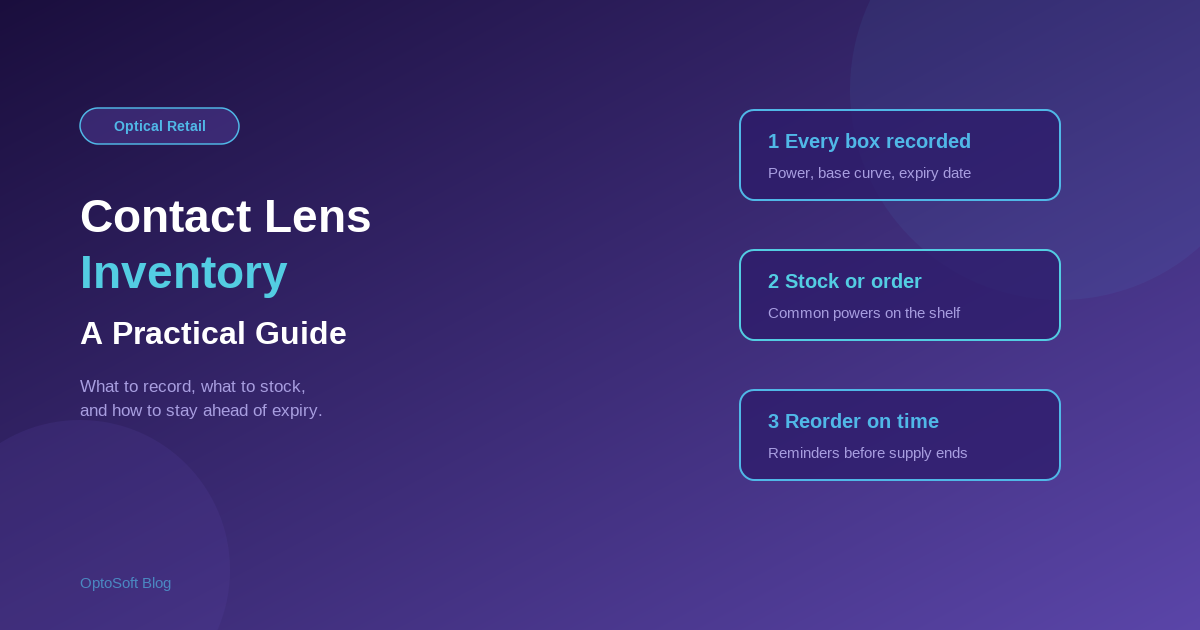
Contact lens inventory management means knowing exactly which boxes you hold, in which parameters, when they expire, and when to order more. It is harder than frame stock for two reasons: one product comes in hundreds of parameter combinations, and every box has an expiry date. This guide sets out a simple way to keep it under control in an optical shop or contact lens store.
Why contact lens stock is different
- Many variants of one product. A single lens brand is sold in a range of powers, often more than one base curve or diameter, and toric and multifocal versions add cylinder, axis and add power.
- Expiry dates. Every box is marked with an expiry date, and a box past that date cannot be sold.
- Different pack sizes and wear schedules. Daily, two-weekly and monthly lenses come in different pack sizes, so the number of boxes means different things for different products.
- Repeat purchase. A wearer comes back for the same lens again and again, which makes demand easier to predict than for frames.
What to record for every box
The stock record is only useful if it holds the details that tell one box from another:
- Brand and product name, and the wear schedule (daily, two-weekly, monthly).
- Power (sphere), and for toric lenses the cylinder and axis.
- Add power for multifocal lenses.
- Base curve and diameter.
- Pack size.
- Lot or batch number and expiry date, as printed on the box.
- Supplier, cost price and selling price.
What to keep on the shelf and what to order per patient
No shop can hold every parameter of every lens. A workable split is:
- Keep in stock: the spherical lenses you sell most, in the powers you sell most. Your sales of the last 6 to 12 months show which these are.
- Order per patient: toric and multifocal lenses, uncommon powers, and brands only one or two wearers use. Order when the wearer orders, or shortly before their supply runs out.
Check the supplier delivery time before deciding. If boxes arrive in one or two days, ordering per patient costs the wearer very little and saves you a great deal of stock.
Keep trial lenses apart from sale stock
Trial and fitting lenses are not for sale and should never be counted as stock you can sell. Keep them in a separate place and on a separate list. Mixing the two is one of the most common reasons a contact lens count does not match the system.
Managing expiry
- Sell the earliest expiry first. Put new boxes behind older ones of the same parameters.
- Check once a month. List every box that expires within the next few months and decide what to do with each: sell first, return to the supplier if your terms allow, or write off.
- Look at the date when you receive goods. A delivery with a short remaining life is easier to refuse on the day than to sell later.
Reorder levels and wearer reminders
Give each stocked lens a reorder level based on how many boxes you sell in the time the supplier takes to deliver. Then use what you already know about each wearer: the date of the last purchase and the pack size tell you roughly when the supply will run out. A reminder shortly before that date brings the wearer back to you, and tells you what to order in.
Spreadsheet or software?
A spreadsheet can work for a small range: one row per box type, with the parameters above, the quantity and the earliest expiry date. It starts to fail when sales are not deducted at the moment of sale, when more than one person edits it, or when you open a second store. At that point the stock record needs to be part of the system that makes the sale, so that every box sold reduces the count without anyone typing it in.
How OptoSoft helps
On its paid plans, OptoSoft tracks contact lenses by brand, power, cylinder and axis for torics, base curve, diameter and pack size, with low-stock alerts and supplier purchase orders. It stores contact lens prescriptions against the customer record and sends reorder and expiry reminders by WhatsApp, SMS or email. See OptoSoft for contact lens stores.
Frequently asked questions
How do you manage contact lens inventory?
Record every box with its brand, power, base curve, diameter, pack size, batch number and expiry date. Keep the common spherical lenses in stock and order toric, multifocal and rare powers per patient. Sell the earliest expiry first, check expiry dates monthly, and set a reorder level for each stocked lens.
What should be recorded for each box of contact lenses?
Brand and product, wear schedule, power, cylinder and axis for toric lenses, add power for multifocal lenses, base curve, diameter, pack size, lot or batch number, expiry date, supplier, cost price and selling price.
Should an optical shop keep toric and multifocal contact lenses in stock?
Usually not in depth. Toric and multifocal lenses come in so many combinations that most shops order them for each patient and keep stock only for spherical lenses in common powers.
Can a spreadsheet track contact lens inventory?
Yes, for a small range in one store. It stops working when sales are not deducted at the time of sale, when several people edit it, or when there is more than one store. Then stock should be part of the system that makes the sale.
Want contact lens stock and reorders in one system? See OptoSoft for contact lens stores or compare the plans.