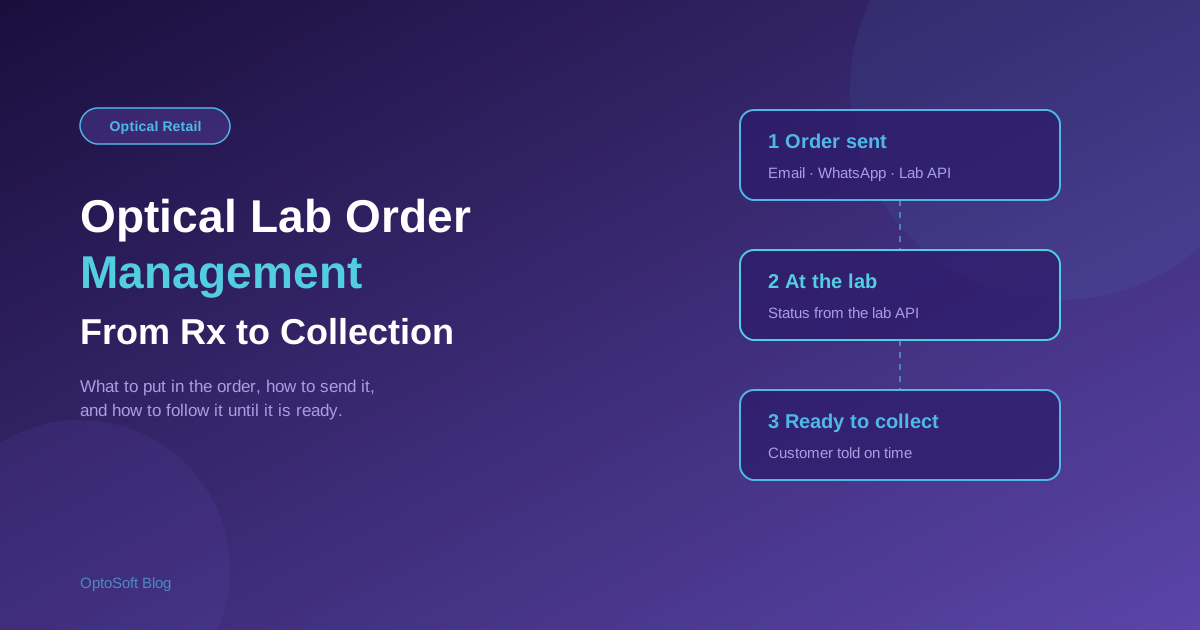
Between the day a customer chooses their frames and the day they collect their glasses, the job lives somewhere else: at your lens lab. For many optical shops that is where the most time is lost. Orders get sent by phone, by photo of a handwritten note or by a message that someone has to retype, and then staff spend part of every week asking the lab "where is the job for Mrs Sharma?" This guide explains how to manage lab orders properly, from the order itself to the moment of collection.
What a lab order has to contain
A lab order is a set of instructions for making a pair of lenses to a prescription. If any of it is missing or wrong, the usual result is a remake: lost time, lost material and a customer who has to come back. A complete order includes:
- The prescription — sphere, cylinder, axis, add and prism for each eye, plus the pupillary distance and, for progressives, the fitting heights. If you are unsure of any of these values, how to read an eye prescription explains each one.
- The lens specification — design (single vision, bifocal, progressive), material, index, and every coating or tint.
- The frame — brand, model, colour and size, and whether the lab is receiving the frame or you are cutting the lenses yourself.
- Your reference — a job or order number that ties the lab order back to the sale, so both sides can quote the same number.
- The dates — when the order was sent and when you promised the customer it would be ready.
Ways to send a lab order
There are three common ways to get an order to a lab. They suit different labs and different shops, and many shops use more than one.
- Email — the order is sent as a message, usually with the details in the body or as an attachment. It is simple and works with almost any lab, but someone at the lab has to read it and key it into their own system.
- WhatsApp — the order goes as a message to the lab's number. It is fast and familiar, especially for smaller labs, and the lab can reply on the same thread. As with email, a person at the lab still handles the order.
- The lab's API endpoint — if your lab offers an API, the order goes directly into their system with no re-keying at all. Whether this is available depends on the lab.
OptoSoft can send a lab order by email, by WhatsApp, and to a lab's API endpoint where the lab provides one. The practical rule is to use the most direct route your lab supports and keep the others as a backup.
Following the job: order status
Sending the order is half the job. The other half is knowing what is happening to it. Without a system, status means phone calls and messages: has it been received, is it in production, has it been shipped, is there a problem with the coating? Each answer lives in someone's head or in a chat thread.
When a lab exposes an API, status can come back automatically instead. OptoSoft can capture the real-time status of a lab order from the lab's API endpoint, so the people at your counter can see where a job stands without calling. For labs without an API, status still needs to be updated by hand, so it is worth recording each update against the job, not in a separate notebook.
Why the customer cares
A customer who has paid a deposit wants one thing: a date. If you can see the real status of the job, you can give a confident answer when they ask, and you can contact them before they have to ask you. A delayed job that you tell them about early is an inconvenience. A delayed job they find out about at collection is a complaint.
Common lab order mistakes
- Re-typing the prescription. Every manual copy is a chance for a transposed digit. Orders built from the stored prescription avoid this.
- Vague lens descriptions. "Anti-glare" can mean several different coatings. Use the exact product or code your lab uses.
- Missing fitting measurements on progressives, which is a common cause of remakes.
- No shared reference number, so nobody can be sure which job the lab is talking about.
- No record of when the order was sent, which makes it impossible to say whether a job is late.
A simple lab order checklist
- Check the stored prescription against what the customer chose before you send anything.
- Confirm the lens specification and every coating in the lab's own terms.
- Record the frame and the job number on the order.
- Send by the most direct route your lab supports.
- Log the date sent and the date promised to the customer.
- Check status on a schedule, or automatically where the lab provides an API.
- Contact the customer as soon as the job is ready, or as soon as it is delayed.
Lab orders in OptoSoft
OptoSoft is a cloud-based optical platform for optical retailers. It can send the order by email, WhatsApp or a lab API endpoint, and capture lab order status from the lab's API where one exists. Which labs offer an API is something to confirm with your own lab. For the wider question of what optical software should connect to, see optical software integrations, and for the billing side of the same job, how to bill an optical sale.
Frequently asked questions
How do you send a lab order for glasses?
A lab order can be sent by email, by a messaging app such as WhatsApp, or directly to the lab's system through an API if the lab provides one. Whichever route you use, the order should carry the full prescription, the lens specification, the frame details and a shared job reference.
Can optical software track the status of a lab order?
It can where the lab exposes an API. OptoSoft can capture the real-time status of a lab order from a lab's API endpoint. For labs without an API, status has to be updated manually against the job.
Does OptoSoft send lab orders by WhatsApp or email?
Yes. OptoSoft can send a lab order by email and by WhatsApp, and to the lab's API endpoint where the lab offers one.
What causes lab remakes in an optical shop?
The most common causes are errors in re-typed prescription values, vague lens or coating descriptions, missing fitting measurements on progressive lenses, and orders without a shared reference number. Building the order from the stored prescription and confirming the specification in the lab's own terms reduces them.
Want to manage lab orders in one place? See OptoSoft for optical shops or compare the plans.