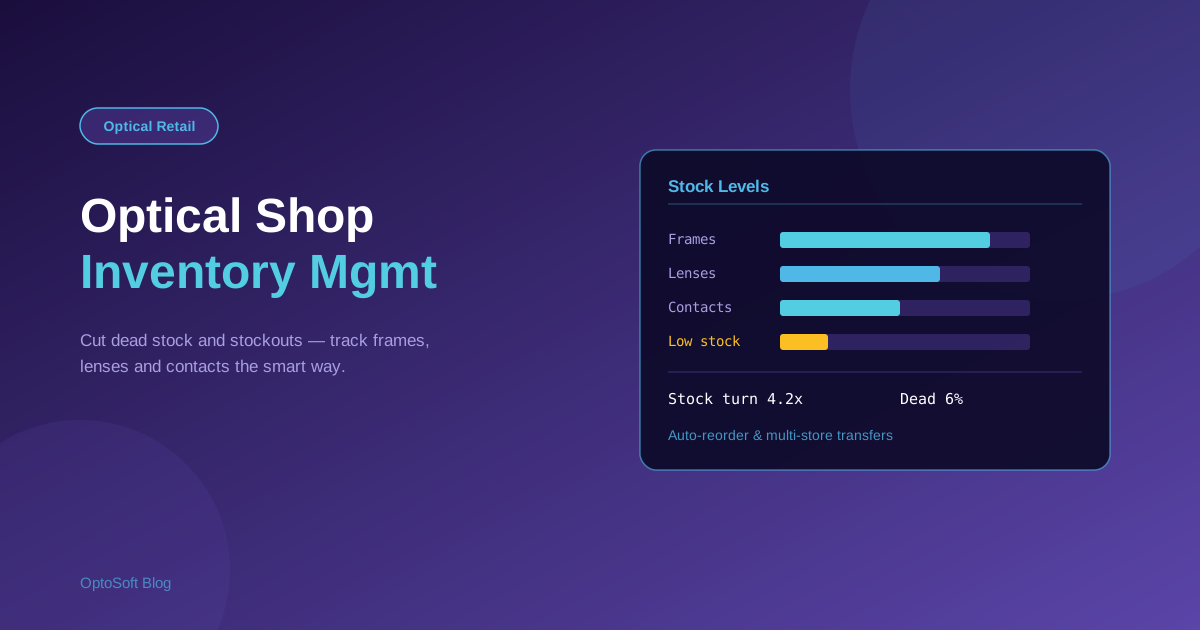
Inventory is the largest slice of money tied up in most optical shops, and the hardest to keep accurate. Frames vary by brand, model, colour and size; lenses come as huge prescription matrices; contact lenses expire; and some frames sit on consignment. This guide explains how to manage optical shop inventory properly — the metrics that matter, the workflow to set up, and where software removes the guesswork.
Why optical inventory is uniquely hard
A clothing shop tracks a shirt in a few sizes. An optical shop tracks the same frame in several colours and sizes, each a distinct stock-keeping unit (SKU). Add to that:
- Lens matrices — one lens design exists across hundreds of power, index and coating combinations.
- Contact lens expiry — boxes are date-sensitive and must rotate first-in, first-out.
- Consignment frames — supplier-owned stock you hold but have not yet paid for, which must be tracked separately from owned stock.
- High value, low velocity — premium frames tie up cash and can sit for months.
Because of this, generic retail inventory tools rarely fit. Optical shops need stock control that understands frames, lenses and contact lenses as different things.
The 5 inventory metrics every optical store should track
- Stock turn (turnover rate) — how many times you sell and replace stock in a year. Higher turn means cash is not sitting on the shelf.
- Dead stock percentage — the share of frames that have not sold in 6–12 months. This is trapped cash and wasted board space.
- Sell-through rate — units sold versus units received, by brand or supplier, so you reorder what actually moves.
- Reorder point — the stock level that should trigger a new purchase order, set per product so you never run out of fast movers.
- Shrinkage — the gap between recorded and physical stock, caused by theft, breakage or miscounting.
Manual vs. software-driven stock control
Many shops still run on spreadsheets or memory. That works until it does not: stock counts drift, fast sellers run out, and slow frames pile up unnoticed. Software-driven control replaces this with a barcode or SKU on every item, automatic stock deduction at the point of sale, and reorder alerts. The difference shows up directly in cash flow — less dead stock, fewer lost sales from stockouts.
Step-by-step: setting up an optical inventory system
1. Categorise your stock
Split inventory into clear groups: frames, lenses, contact lenses, accessories and solutions. Each behaves differently and should be counted and reordered differently.
2. Barcode every frame and set reorder points
Give each SKU a barcode and a reorder point based on how fast it sells. Scanning at sale and at intake keeps the count accurate without manual entry.
3. Separate consignment from owned stock
Flag supplier-owned frames so they are not counted as your asset and so settlement with the supplier is correct when they sell.
4. Run a cycle-count routine
Instead of one painful annual stocktake, count a small section of the shop each week. Cycle counting catches shrinkage early and keeps records trustworthy year-round.
Reducing dead stock and improving frame board ROI
Your frame board is prime real estate. Use sell-through data to clear slow brands with promotions, return or exchange consignment frames that have not moved, and reinvest the freed cash into proven sellers. Reviewing dead stock quarterly turns a stagnant board into one that earns its space.
How OptoSoft automates optical inventory
OptoSoft is built for optical retail, so inventory is handled the way an optician actually works. Stock is deducted in real time at every point-of-sale transaction, low-stock items trigger supplier purchase orders automatically, and multi-store businesses can transfer and view stock across branches from one screen. It tracks frames, lenses and contact lenses with their own attributes, and keeps owned and consignment stock separate. See the full optical inventory management module, or how it fits the wider optical shop management system.
Frequently asked questions
What is optical inventory management software?
It is software that tracks an optical shop's frames, lenses, contact lenses and accessories — recording stock levels, deducting items at the point of sale, flagging low stock, and generating purchase orders, all with attributes specific to eyewear such as brand, model, colour and size.
How do opticians track frame and lens stock?
The reliable method is a unique barcode or SKU on every item, scanned at intake and at sale so stock updates automatically. Lenses are tracked by their power, index and coating combinations, while contact lenses are rotated by expiry date.
How much dead stock is normal for an optical shop?
It varies, but frames unsold after 6–12 months are usually treated as dead stock. Many well-run shops aim to keep this in the single-digit to low-double-digit percentage range and review it regularly to free up cash and board space.
Can one system manage inventory across multiple optical stores?
Yes. Multi-store inventory software shows stock for every branch in one place and supports transfers between locations, so a frame out of stock at one shop can be sourced from another instead of lost as a sale.
Want accurate stock without the spreadsheets? See OptoSoft inventory management or view pricing and the free plan.